Grow Your Email List With Targeted Popups
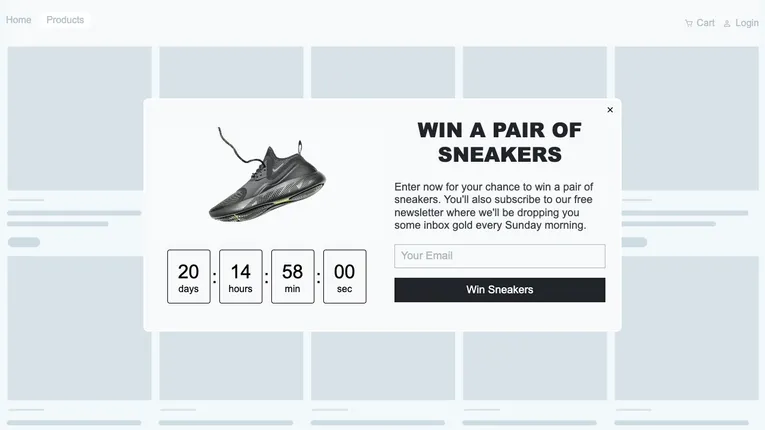
Use a Fluentos popup to capture visitor emails and turn website traffic into contacts on your email list.
Why Popups Work for Growing Your Email List
Growing an email list is not just about asking for an email, it is about giving people a reason to say yes. Static forms often go unnoticed, but popups create a moment to present an offer when someone is already engaged.
When the message matches what a visitor is doing, whether that is reading, browsing, or about to leave, the interaction feels more relevant. That timing makes incentives like discounts, guides, or early access more effective and leads to higher-quality signups over time, which is why early-access forms peaked before Black Friday rather than on the day itself.
What Makes Fluentos Effective
Fluentos allows you to trigger email capture campaigns based on real behavior, so your message appears when it actually makes sense. This helps align your offer with intent instead of showing the same popup to every visitor.
At the same time, Fluentos keeps campaigns lightweight and privacy-focused. You can grow your list without slowing down your site or collecting unnecessary data, making the experience smoother for users and easier to manage over time.
Watch How Fluentos Works
A Fluentos email list growth popup can appear while visitors browse your website and invite them to join your email list.
For example, the popup might display a message such as: “Join our email list and get 10% off your first order.”
Visitors can then enter their email address directly into the form and instantly become part of your email list.
How to Set Up the Email List Growth Popup
1. Create your signup campaign
Start by creating a new campaign in Fluentos. Steps to create the campaign can be found here.
2. Choose the popup layout
Create your signup popup by selecting a layout that fits your campaign design.
Fluentos provides two layout options:
Single-column layout
- A simple vertical layout ideal for email signup campaigns
- Keeps the popup focused on the email form
- Easy for visitors to complete quickly
Double-column layout
- Splits the popup into two sections
- Allows you to combine text, visuals, and signup forms
For most email list growth popup campaigns, the single-column layout works best because it keeps the message clear and simple.
You can also use a pre-built template to speed up campaign creation.
3. Choose when the popup appears
Fluentos allows you to control when your popup appears using campaign triggers.
Common trigger options include:
- Exit intent - shows the popup when a visitor is about to leave the site
- Time spent on page - shows the popup after visitors stay on the page for a few seconds
- Scroll position - displays the popup after visitors scroll through part of the page
- Page targeting - displays the popup only on selected pages
- Visited page count - displays the popup after visitors have visited a certain number of pages
Showing the popup at the right moment increases the chances that visitors will join your email list.
Our Recommendations to begin with:
- Time spent on page: 8 - 12 seconds
- Visited page count: 2 pages (if you have a country selector on your main website entry)
- Limit opens per sessions: 2 (avoid annoying visitors)
Combine with Page targeting to show the popup only on specific pages, for example, only on the order confirmation page.
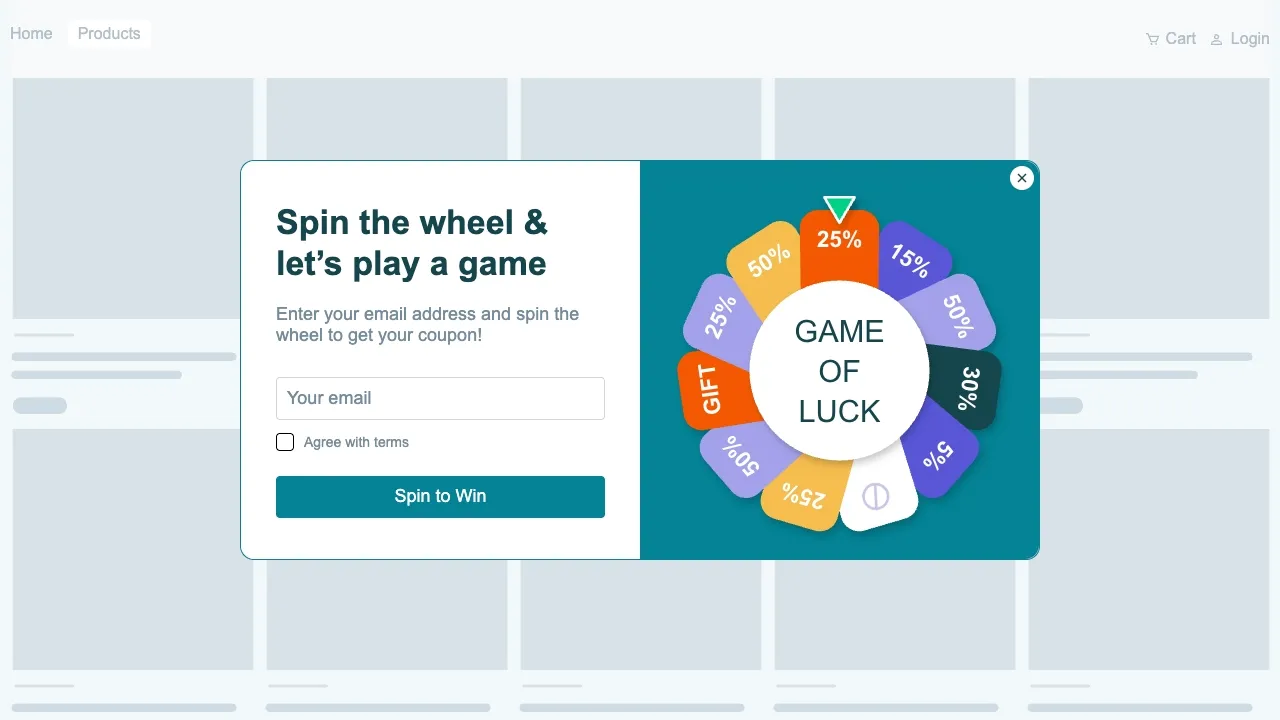
Add urgency or gamification to make the offer feel more exclusive and time-sensitive.
Where to find it in Fluentos
Inside a campaign -> Display Rules.
4. Connect your email marketing tool
To store collected emails, connect the popup campaign to your email marketing platform.
Fluentos integrates with tool such as:
- ActiveCampaign
- Klaviyo
- Voyado
- MailerLite
Once connected, every email captured by the popup will automatically be added to your email list.
Where to find it in Fluentos
Inside campaign -> Publish tab -> Integrations
Steps to add new integration can be found here.
5. Activate the campaign
Once your design and triggers are configured, publish the campaign to make it live on your website.
Where to find it in Fluentos
Inside campaign -> Publish tab
To launch the popup:
- Enable Publish to Production
- Click Save
Your email list growth popup will begin collecting emails from visitors immediately.
Common Questions
What is an email list growth popup?
An email list growth popup is a website popup that encourages visitors to join an email list by entering their email address.
When should an email signup popup appear?
Signup popups often perform best when triggered by exit intent, time spent on page, or page count.
Can email addresses be sent directly to an email marketing platform?
Yes. Fluentos integrations allow collected email addresses to be automatically sent to tools such as MailerLite, Klaviyo, or ActiveCampaign.
Can signup popups appear only on specific pages?
Yes. Using URL targeting, email signup popups can be displayed only on selected pages such as product pages, landing pages, or lead generation pages.